This is default featured slide 1 title

Go to Blogger edit html and find these sentences.Now replace these sentences with your own descriptions.

This is default featured slide 2 title

Go to Blogger edit html and find these sentences.Now replace these sentences with your own descriptions.

This is default featured slide 3 title

Go to Blogger edit html and find these sentences.Now replace these sentences with your own descriptions.

This is default featured slide 4 title

Go to Blogger edit html and find these sentences.Now replace these sentences with your own descriptions.

This is default featured slide 5 title

Go to Blogger edit html and find these sentences.Now replace these sentences with your own descriptions.

martes, 9 de octubre de 2018

PASOS PARA CAMBIAR LA PLANTILLA EN MI BLOG


  1. Visitamos la pagina de BTemplates.
  2. Escoger la plantilla a nuestro gusto.
  3. Descargamos la plantilla haciendo clic en el icono download.
  4. Abrimos la carpeta descargada con el nombre de la plantilla que hemos descargado.
  5. Seleccionar el archivo con el archivo con el nombre de su extencion XML.
  6. Llevamos el archivo a un lugar de fácil acceso.
  7. En el blogger nos dirigimos a temas.
  8. Hacemos clic en el botón crear  y restablecer copia de seguridad.
  9. Seleccionamos el archivo con extencion XML.
  10. Subir

Para mayor información consulta esta pagina haciendo clic aquí
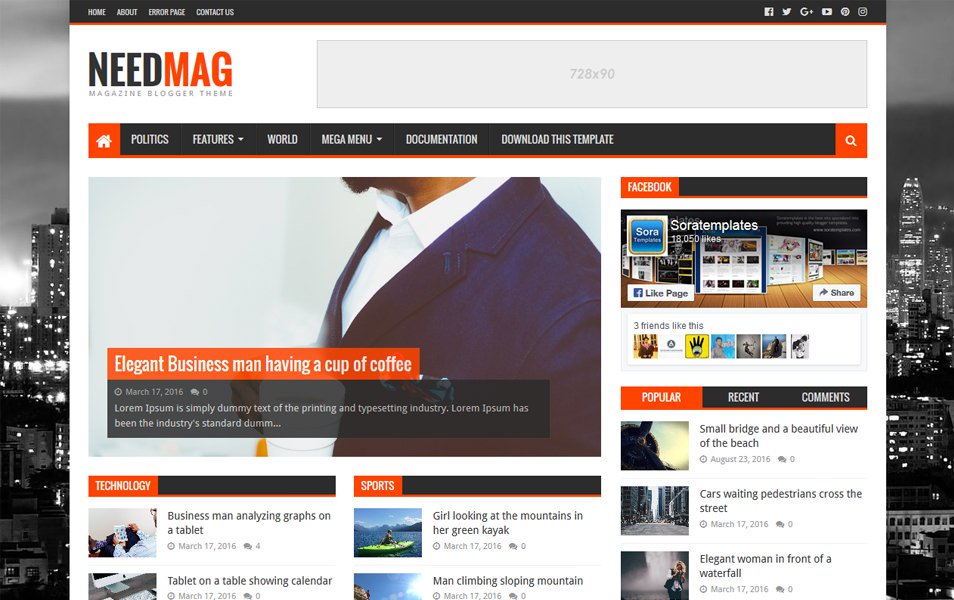
Resultado de imagen para temas blogger